Appearance
Managing Guides
Dashboard Overview
The GuideSail Dashboard is your central hub for managing guides and viewing analytics. Access it at getguidesail.com after signing in. .Tm4a2md9.png)
Guides list
The Guides page shows all the guides you've created, organized by page URL.
For each guide you can see:
- Guide title
- URL it's configured to appear on
- Launch mode (Automatic / Manual)
- Number of total views
Click any guide to see its details or to navigate to editing options.
Guide analytics
Click on a guide to open its analytics view.
| Metric | What it means |
|---|---|
| Total views | Number of times the guide has been started by a visitor. |
| Step completion | How far through the guide visitors typically get before exiting. |
| Unique visitors | Number of distinct visitors who have seen this guide. |
Use step completion data to identify where users are dropping off — if most users exit on step 3 of 6, that step may need clearer copy or a simpler interaction.
Account & Settings
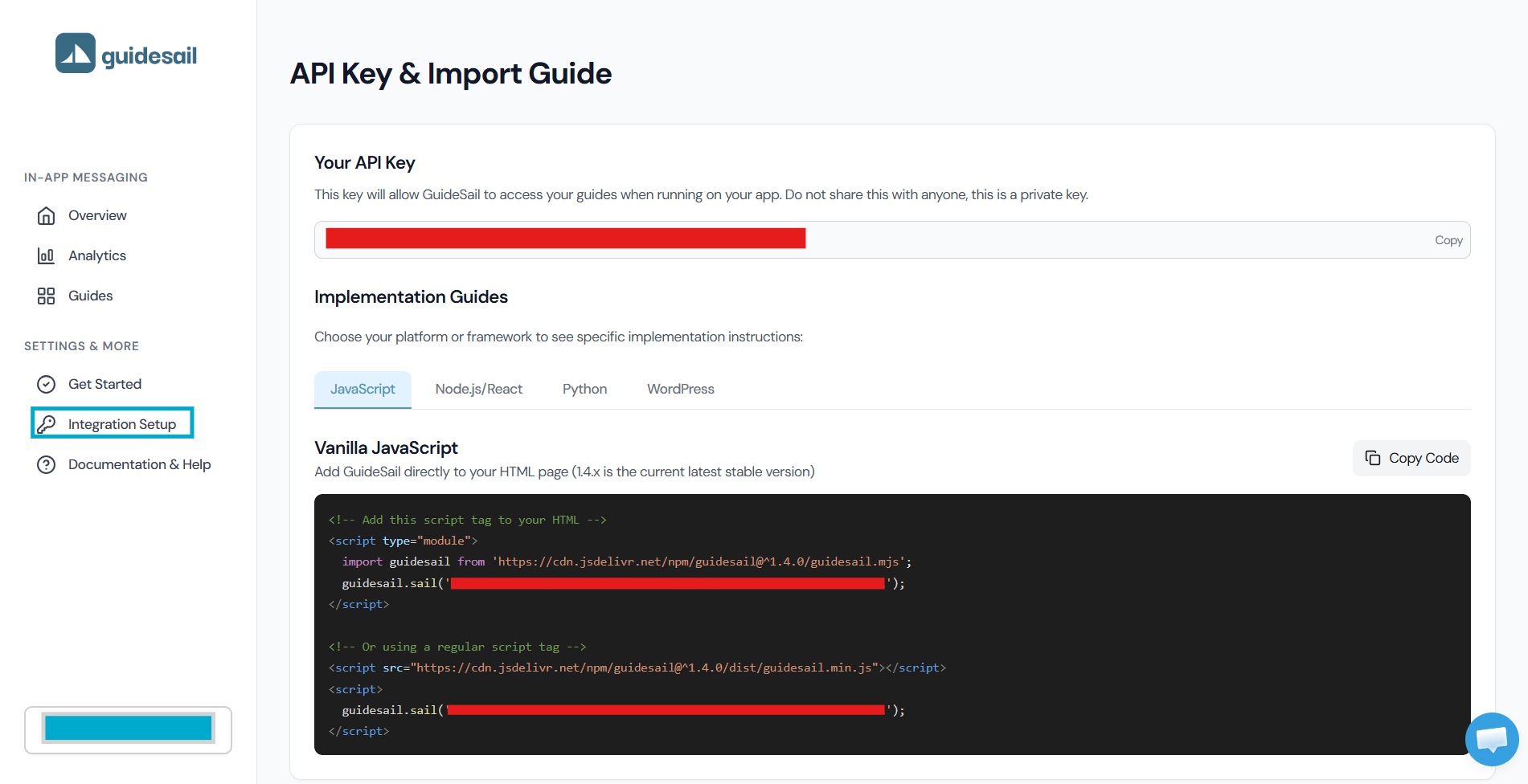
Access your API key, billing, and account settings from the Integration section in the dashboard sidebar.
Your API key is what you pass to guidesail.sail() when installing GuideSail on your app. Keep it private — it identifies your account.